To mark a paid bill as an unpaid bill:
- Go to Home > Bills
- Click on Paid Tab
- Locate the paid bill you wish to Mark Unpaid and click on it to View Details
- On the detail screen, Click on Three Dots Icon at the top right corner for Options
- Select Mark Unpaid
- Pop up will ask for deletion of paid bill transaction
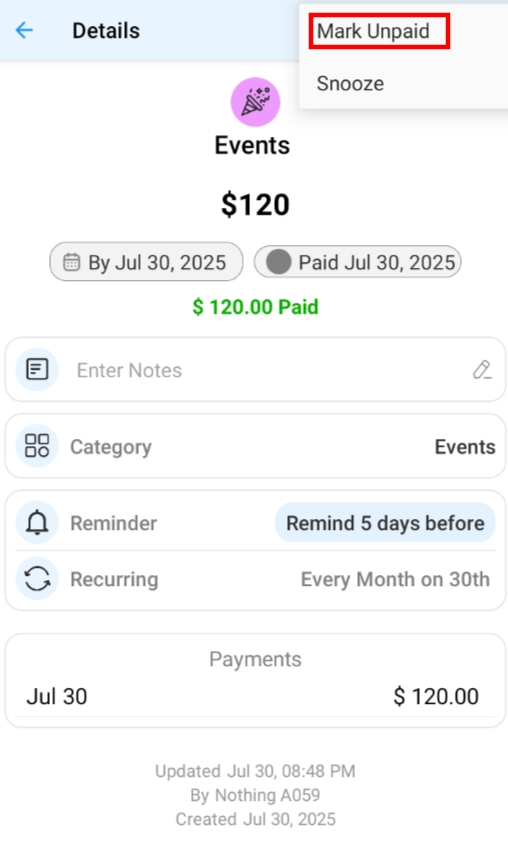
7. Click on Mark unpaid
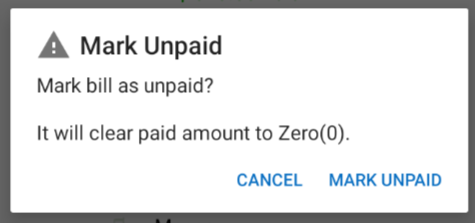
- When you mark a bill as unpaid, the paid amount will be set to zero. The bill will be moved to either the overdue or upcoming section based on its due date, showing the due amount unpaid.
- If you had any expense associated with this paid bill, then that expense will not be automatically rolled back and you need to separately delete the expense entry, to prevent duplication in future.
|