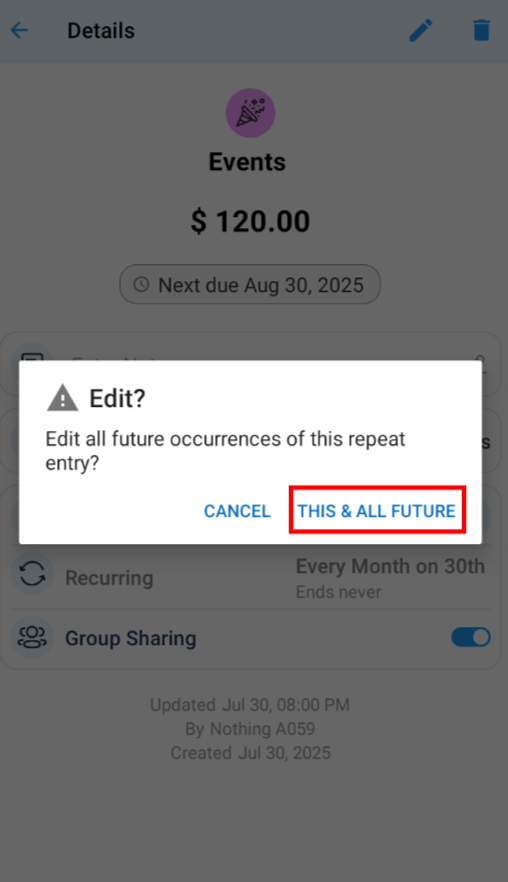
To edit all future occurrences of a recurring bill?
3. Select Recurring bill tab only
4. Select the bill you want to edit to View Bill Details
5. Click on Edit (Pen icon) on bill detail screen
6. Pop appears select This and All future
● THIS & ALL FUTURE edits all the future occurrences of selected recurring bill
7. Select Repeat Option on edit screen and make required changes
8. Tap the save icon (✓) to complete the process