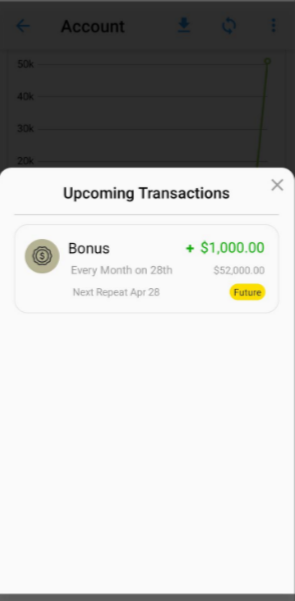
Tracking Recurring transactions helps to plan ahead, avoid missed payments and manage monthly cash flow. TimelyBills app lets you can easily view and manage all your scheduled transactions for a specific account in one place.
Steps to view recurring or scheduled transactions:
- Open the TimelyBills app
- Go to Home → Accounts
- Select the Account you wish to view
- Tap View All adjacent to Upcoming Transactions
- You will see a list of all your recurring transactions for that account
If you counter any problem or have a query, please contact support at support@timelybills.app